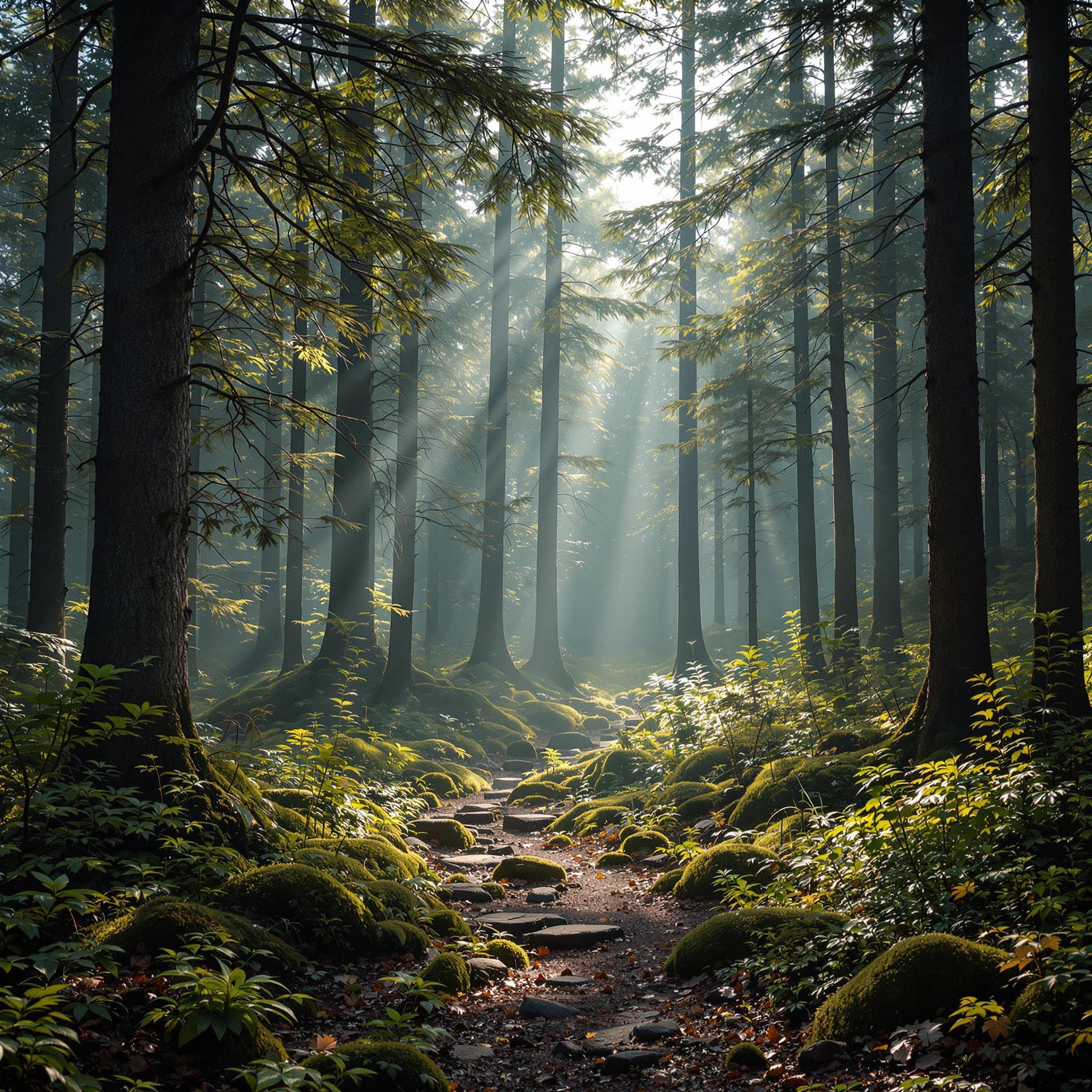
Summary for Flux 2 Pro
Flux 2 Pro (developed by Black Forest Labs) establishes itself as a capable mid-tier model in the current AI landscape, ranking 22nd overall out of 35 models with an average score of 7.03/10.
- 🎯 Strong Prompt Adherence: It is remarkably reliable at incorporating the specific elements requested in a prompt, rarely leaving out key subjects.
- ✨ Polished but Synthetic: The model excels at dramatic lighting, vibrant colors, and crisp details. However, it often suffers from an "over-processed" or "plastic" sheen that prevents it from achieving true photorealism.
- 📉 Coherence Struggles: It frequently stumbles on complex spatial logic, intricate anatomical overlaps, and deep semantic inversions.
- 🛑 Reliability: Out of 100 prompts, it successfully generated 99, with only a single generation failure, making it a highly stable choice for most standard workflows.
General Analysis & Useful Insights
Flux 2 Pro is a highly polished model that creates visually striking imagery, but its tendency to over-idealize holds it back from the top tier of photorealistic generators.
🌟 Key Strengths
- Vivid Lighting & Composition: Across multiple categories, Flux 2 Pro demonstrates excellent control over rim lighting, atmospheric perspective, and cinematic framing. It makes subjects "pop" off the background effectively.
- Exceptional Typographic Foundation: It is surprisingly adept at rendering large, bold text. The Minimalist Motivation Poster achieved a stellar score of 9, showcasing professional graphic design alignment and perfect spelling.
- Environmental Density: When tasked with building worlds, it populates them beautifully. The Ghibli Bathhouse features intricate roof tiles, flowing steam, and dense architectural detailing that feels rich and lived-in.
⚠️ Common Limitations & Failure Modes
- The "Plastic" Problem: In portraiture, faces are frequently over-smoothed, teeth are uncannily perfect, and skin lacks natural micro-texture. For example, the Heterochromia Portrait was penalized for implausibly luminous eyes and CGI-like skin.
- Anatomical Hallucinations: When rendering hands, fingers tend to merge or distort under complex poses. The High-Five Action resulted in elongated, over-textured anatomy that broke the illusion of reality.
- Spatial & Semantic Logic: Flux 2 Pro struggles heavily with absurd or highly specific logical constraints. For the Astronaut Ridden by Horse, it failed to invert the relationship, merely placing the horse awkwardly around the astronaut rather than riding them.
Best Model Analysis by Use Case / Category
Flux 2 Pro is a versatile tool, but knowing where to deploy it is key to maximizing its potential. Here is how it performs across key scenarios:
🎨 Where Flux 2 Pro Excels
- Ghibli style (Score: 7.60): The model thrives in stylized animation! It captures the atmospheric lighting and rich backgrounds perfectly. The Nausicaä Mech generation is a standout, scoring a 9 for its cohesive melancholy beauty and incredible detail.
- Architecture & Interiors (Score: 7.30): Great for generating structural concepts. The Moroccan Riad shows exceptional handling of intricate shadows and tilework, making it highly useful for concept artists and interior designers.
- Graphic Design (Score: 7.00): A solid choice for generating assets. The Art Deco Pattern scored a 9 for its rich, seamless geometric repetition and metallic textures.
⚖️ Moderate Performers
- Text in Images (Score: 7.60): It handles short, bold text brilliantly (like the Stop Sign), but struggles with fine print or complex formatting, often generating garbled secondary "pseudo-text" as seen in the Movie Poster.
- Anime & Cartoon Style (Score: 7.20): Good at vibrant colors and standard anime tropes, but can feel a bit generic compared to dedicated anime models. The Space Battle is highly detailed but suffers from visual congestion.
🚫 Where to Avoid or Use Caution