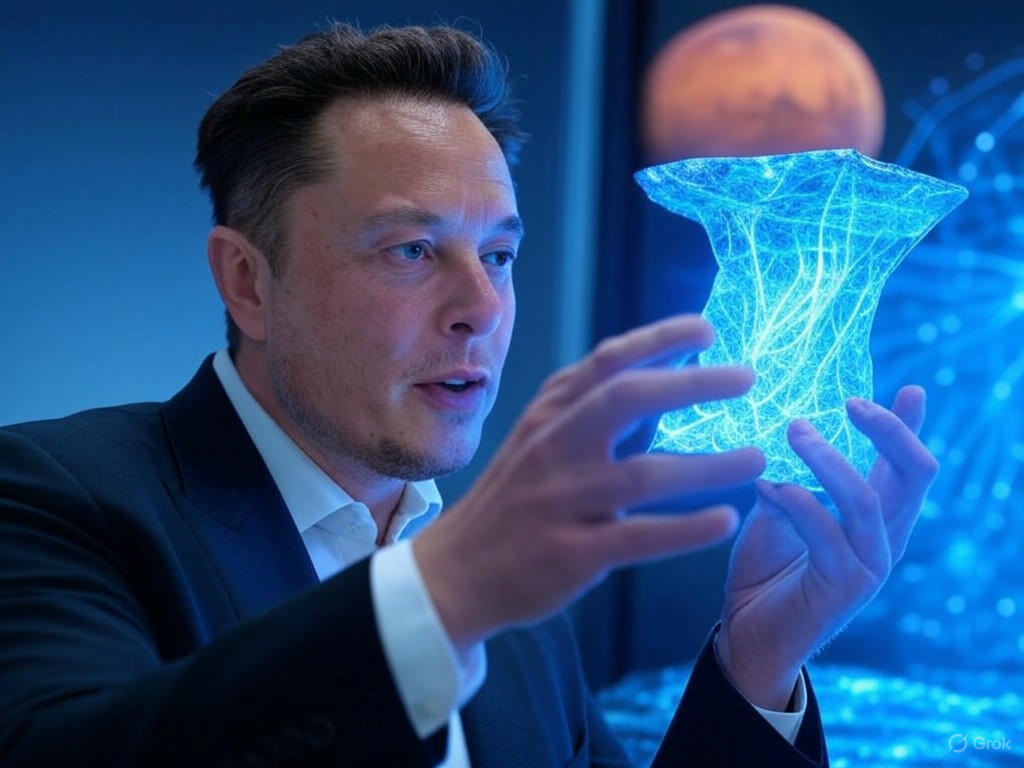
Summary for Grok Imagine
Grok Imagine sits comfortably in the mid-to-upper tier of AI image generators, achieving an overall score of 7.36 across all evaluations. While it doesn't quite match the heights of its successor, Grok Imagine 2.0 (Preview), or top competitors like Takumi 1, it remains a highly capable and versatile model.
Key Discoveries:
- 〰️ Top Strengths: Excels in Graphic Design and stylized illustrations. It produces exceptionally clean vector logos and vibrant anime-style artwork.
- 📉 Major Weaknesses: Struggles with 'Ultra Hard' logical inversions and tends to apply a glossy, 3D-rendered polish even when traditional media (like watercolor) is requested.
- 😲 Surprising Results: Its ability to generate crisp, legible typography on simple designs is fantastic, but it sometimes misses the main conceptual instruction entirely—such as completely ignoring the avocado shape in an Avocado Armchair prompt!
Quick Reference: Use Grok Imagine for slick commercial graphics, stylized character art, and basic text integration. Avoid it for hyper-realistic human anatomy or highly complex, logically twisted scenes.
General Analysis & Useful Insights
Diving deeper into Grok Imagine's performance, several clear patterns emerge regarding its aesthetic tendencies and technical capabilities.
🌟 Comparative Strengths
- Lighting and Composition: The model consistently produces dynamic, well-lit scenes. Whether it's the warm sunset in a Ghibli-style Train Station or the glowing neon in a Nighttime Urban Portrait, Grok Imagine knows how to make an image pop.
- Typography Integration: The model handles short text remarkably well. It scored a 9 on the Stop Sign and Evergreen Brew Logo, showing strong potential for basic marketing assets.
🚩 Common Failure Modes
- The 'AI Polish': Grok Imagine has a strong bias towards a glossy, 3D cinematic finish. When asked for traditional 2D animation or watercolor (like in the Ghibli style category), it often outputs heavily rendered concept art instead.
- Logical Adherence in Absurd Scenarios: When faced with a prompt that defies physics or logic, the model often 'corrects' it to something normal. For example, in the Astronaut Ridden by a Horse prompt, it drew an astronaut riding a horse instead of the reverse.
- Clone-like Repetition: In Complex Scenes, the model struggles with diversity. Crowds or groups of animals often look like duplicated assets, clearly seen in the overly uniform animals of the African Savanna.
Best Model Analysis by Use Case
Based on the data, here is a breakdown of when to rely on Grok Imagine and when to look elsewhere.
🎨 Graphic Design & Logos
Recommendation: Highly Recommended
This is where Grok Imagine truly shines. It scored a very solid 7.7 average in Graphic Design. It is exceptional at creating clean, minimalist vector art. The Minimalist Coffee Logo (Score: 9) and the Water Conservation Icon (Score: 8) demonstrate its readiness for commercial asset generation.
✍️ Anime & Stylized Character Art
Recommendation: Great for Modern 3D Anime
If you want vibrant, cinematic, and glossy stylized art, Grok Imagine delivers beautifully. The Anime Samurai scored a 9 for its stunning armor and petal effects. However, if you specifically need flat, traditional 2D animation styles, you might want to look at models like DALL-E 3.
📸 Photorealistic Portraits & Anatomy
Recommendation: Use with Caution
Grok Imagine performs adequately (averaging 7.4 in Photorealistic People & Portraits), but it falls short of true photorealism. Human skin often looks airbrushed or waxy, and complex hand interactions remain a challenge. While a Hand Drawing Sketch scored well, overlapping fingers in a Handshake or Yoga Pose tend to melt together.
🤯 Complex & Ultra-Hard Scenarios
Recommendation: Avoid
For prompts requiring deep logical comprehension or intricate multi-subject interactions, Grok Imagine struggles. It averaged a 6.9 in the Ultra Hard category. If you need hyper-specific spatial relationships or deep logic, consider upgrading to Grok Imagine 2.0 (Preview) or GPT Image 2.